UltimateAI's Pros and Cons: Users' Unfiltered Takes
UltimateAI became a more visible name in customer support after Zendesk brought it into its broader AI strategy. The promise is straightforward: automate repetitive support work, help teams resolve issues faster, and make AI agents useful inside established support stacks like Zendesk and Intercom.
Compiled by Lucía Martínez Díaz, Director of AI Success, read on 24 August 2026. Disclosure: this guide is published by Aissist.io, which sells an agentic AI layer for customer service and sales — a product that competes in the market described here. Aissist.io appears in this comparison as one of the products discussed. We hold no affiliate, referral or paid-placement relationship with any vendor on this page, and no vendor reviewed it before publication. Vendor figures are taken from each vendor's own published material where one exists; where none exists we say so rather than estimate.
This review looks at the main strengths and limitations users associate with UltimateAI, with a focus on how it fits into real support workflows, where it performs well, and where teams may run into friction.

Zendesk's Strategic Move with UltimateAI
Zendesk acquired Ultimate to strengthen its AI offering for customer experience teams. Before the acquisition, Ultimate was already known for AI automation in support environments, particularly for teams using Zendesk Chat and Zendesk Support.
That acquisition expanded Zendesk's ability to offer:
- AI agents that automate a large share of support requests
- Configurable workflows for common and complex support scenarios
- Backend integrations for live data access
- Analytics and reporting to measure automation impact
The main appeal is not just reactive chatbot behavior. UltimateAI is positioned as a support automation layer that can work alongside human agents, handling routine tickets while escalating exceptions when needed.
How UltimateAI Operates in Real Workflows
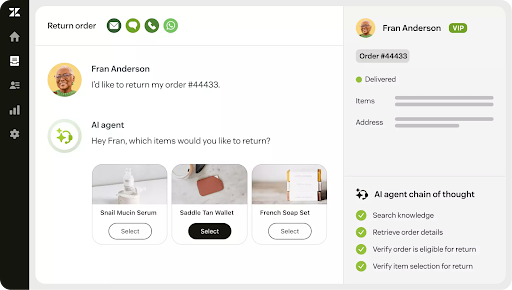
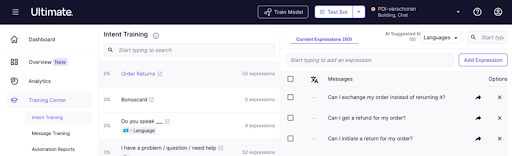
UltimateAI connects to a support environment and uses existing tickets, articles, and FAQ content to power automated responses. In day-to-day operations, that typically means:
- Connecting directly to the helpdesk environment
- Scanning knowledge sources to generate human-sounding replies
- Running full conversations from initial greeting to issue resolution
- Escalating harder cases to human agents when needed
- Pulling live data from backend systems for tasks like order updates or troubleshooting
For teams with high ticket volume, the attraction is clear: scale support without expanding headcount at the same pace.
UltimateAI Pros
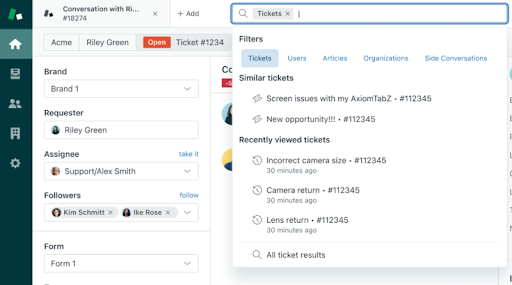
For teams already inside the Zendesk ecosystem, one of the biggest advantages is ease of adoption. Users often describe setup as relatively smooth compared with adding a more external AI layer.
Commonly cited benefits include:
- Fast Zendesk integration: Teams can connect support data and start automating quickly.
- Strong early deflection: Many users report meaningful ticket automation early in the rollout.
- Better context handling: UltimateAI tends to perform better than simpler bots on follow-up questions and jargon-heavy cases.
- Useful dashboards: Teams can track deflection, efficiency gains, and knowledge-base improvement opportunities.
- Reliable notifications and coordination: Syncing with tools like Slack or email helps keep agents informed.
These advantages make the product particularly attractive for support teams that want measurable automation without rebuilding their existing support stack.
UltimateAI Cons
Like most support automation tools, UltimateAI also brings tradeoffs. The largest concerns tend to revolve around cost, setup complexity outside Zendesk, and knowledge-base quality.
Users most often mention:
- Opaque pricing: Cost is quote-based, which can make planning harder for smaller businesses.
- Customization limits on edge cases: Routine questions are easier than rare or deeply technical scenarios.
- Longer rollout outside Zendesk: Teams in mixed-tool environments may face a more involved setup.
- Knowledge quality dependency: Outdated or noisy help content can reduce answer quality.
- Extra effort for multilingual support: The capability exists, but teams still report operational overhead.
For smaller organizations or less mature support teams, these issues can limit the product's return on investment.
What Front-Line Teams Say
User feedback around UltimateAI is generally positive but not uniform. Some teams report deflection rates above 50 percent and improved productivity without hurting CSAT. Others report more modest gains, especially when custom fields, sync behavior, or knowledge quality become bottlenecks.
The overall pattern is:
- Stronger results for mature support teams with organized Zendesk workflows
- More mixed outcomes when data quality or operational setup is inconsistent
- Better fit for global teams that value multilingual support, even if that support still needs tuning

Who UltimateAI Fits Best
UltimateAI is usually best suited for:
- Mid-market support teams
- Zendesk-centered operations
- High-volume service environments
- Organizations that measure automation through deflection and productivity metrics
It is usually a weaker fit for:
- Small businesses with limited budgets
- Teams that need broad flexibility across many disconnected tools
- Organizations with weak or outdated knowledge bases
Practical Tips for Rollout
Teams tend to get better results when they:
- Start with the busiest and most repetitive query types
- Clean up the knowledge base before rollout
- Run a pilot and measure deflection week by week
- Use a hybrid mode first to keep human oversight in place
- Track CSAT alongside automation metrics instead of focusing only on deflection
Those steps reduce the risk of inflated expectations and help the AI improve on real data instead of assumptions.
Is UltimateAI Worth Considering?
UltimateAI is a strong option for teams that are already committed to Zendesk and want deeper support automation inside that environment. It brings solid workflow automation, strong analytics, and useful escalation patterns for routine support.
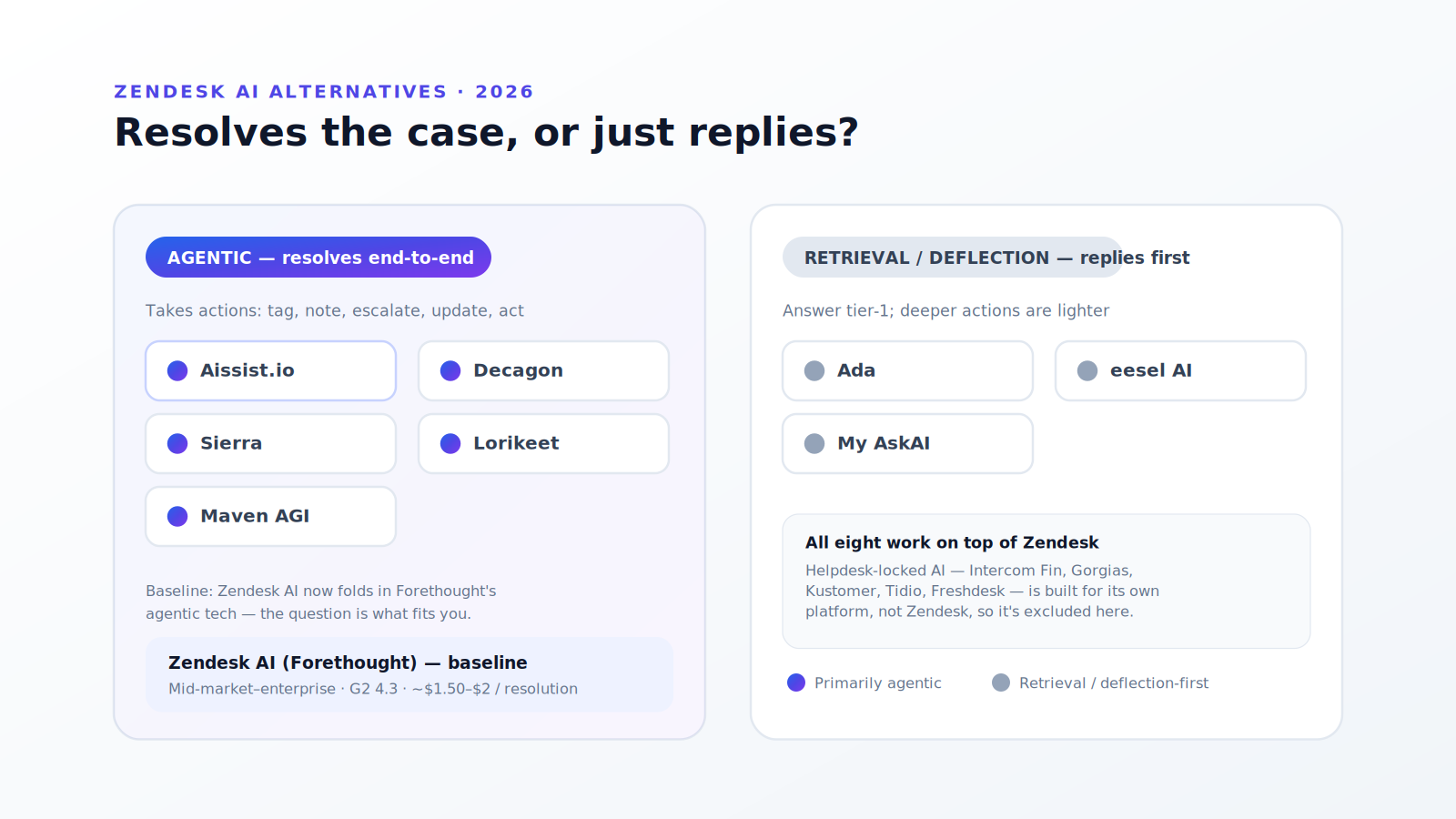
Its biggest drawbacks are cost transparency, rollout effort in non-Zendesk environments, and the usual dependency on clean knowledge sources. For teams that want broader flexibility beyond a Zendesk-first setup, alternatives such as Aissist may be worth comparing.
| Pros | Cons |
|---|---|
| Smooth fit for Zendesk-centric support teams | Pricing is quote-based and harder to predict |
| Strong early automation on routine tickets | Harder rollout in mixed-tool environments |
| Better context handling than simpler bots | Rare or technical cases still need careful tuning |
| Useful analytics and deflection tracking | Accuracy depends heavily on knowledge-base quality |
| Can scale support without matching headcount growth | Multilingual operations may need extra setup work |
FAQs
What deflection rates can teams expect from UltimateAI?
Many teams report early deflection in the 50 to 65 percent range for routine support, though more complex environments may start lower until the system is tuned.
Does UltimateAI work outside Zendesk?
Yes, but it fits most naturally with Zendesk and related support workflows. Outside that environment, setup can take longer and require more operational effort.
How is UltimateAI priced?
Pricing is quote-based rather than publicly listed, so most teams need a trial or sales conversation to determine fit.