Compiled by Lucía Díaz. Published November 2, 2026 · Last updated November 2, 2026 · Prices checked November 2, 2026.
Session replay tools are reviewed everywhere for capture quality and almost nowhere for the person who opens the ticket.
TL;DR: Of the four biggest session replay tools, only LogRocket and FullStory put a replay inside a Zendesk ticket without custom code — and all four mask personal data once, at capture, for every viewer (vendor docs, read 2 Nov 2026).
- Best for auto-linking replays across many helpdesks: LogRocket
- Best for Zendesk and Help Scout teams starting free: FullStory
- Best for CX teams that want analytics first: Contentsquare (Hotjar)
- Best for zero budget: Microsoft Clarity
How we compared session replay tools for support
We scored each tool on the support-agent access path, not capture fidelity, because the top-ranking roundup — Quantum Metric's own — covers capture well, names no helpdesk, and gives no retention period for any tool.
Methodology & sources
- Criteria: ticket attachment; helpdesks integrated; agent viewing without analytics-admin rights; PII redaction that can differ for agents; published retention and price.
- Every cell comes from vendor docs, pricing pages, marketplace listings and G2, read 2 Nov 2026. "Not published" means we looked and the vendor doesn't say.
- Disclosure: this is Aissist's blog. Aissist sells AI agents that work inside helpdesks, not session replay, and isn't ranked here.
Correction note (2 Nov 2026). Three tools that still appear on page-one lists are no longer live options. Cisco's end-of-life notice set Smartlook's end-of-sale for 31 May 2026, with support ending 31 Aug 2027. Hotjar no longer has its own pricing: hotjar.com/pricing now redirects to contentsquare.com/pricing. And Sprig's pricing page now describes an agent-run survey platform with no mention of replay.
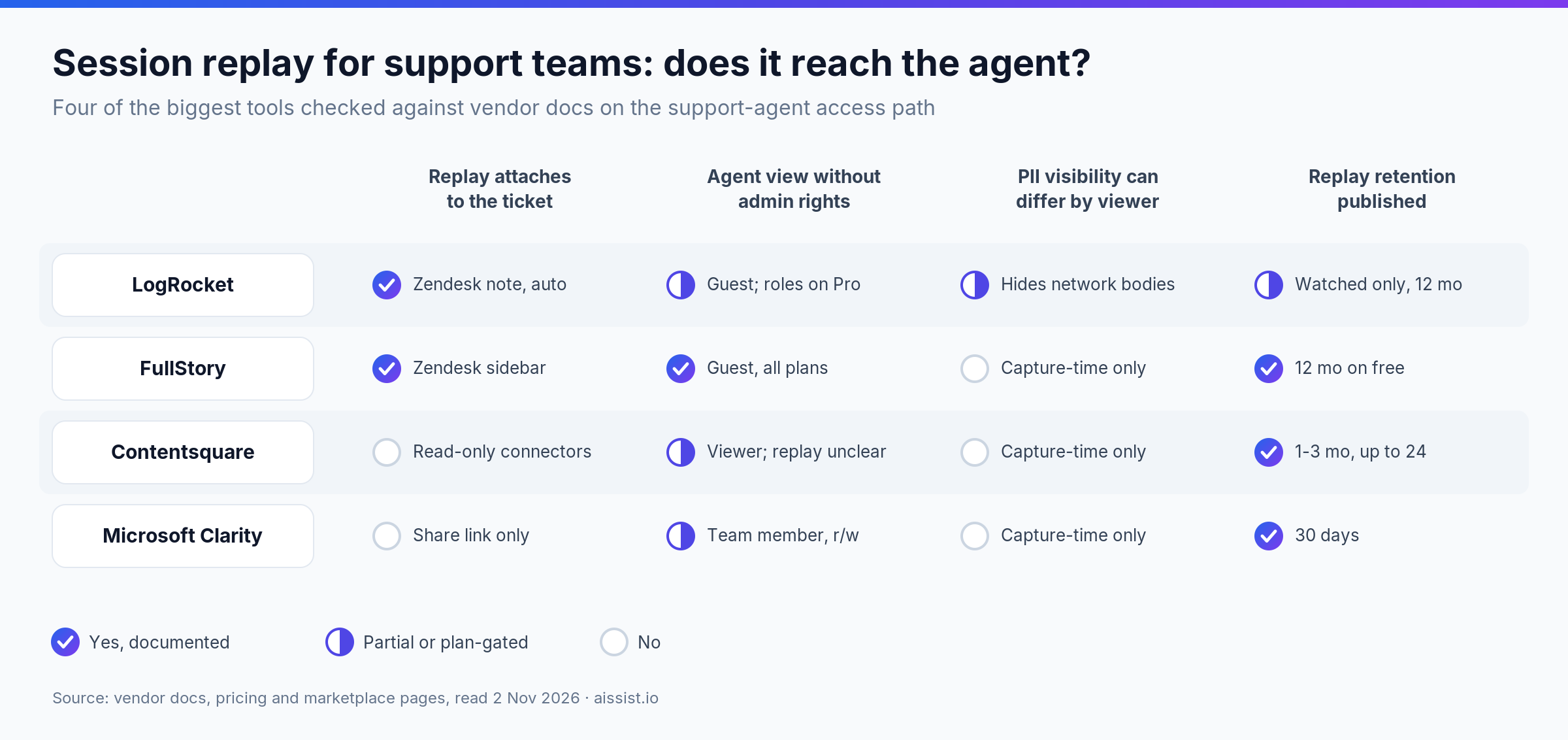
Which session replay tools reach the support ticket?
Two of the four attach a replay to a Zendesk ticket out of the box: LogRocket posts a private note on every matched ticket, and FullStory shows the requester's recent sessions in the ticket sidebar. Contentsquare reads tickets into its analytics instead, and Clarity stops at a share link.
| Tool | Attaches to a ticket? | Helpdesks integrated (Nov 2026) | Agent view without admin rights | Agent-facing PII redaction |
|---|---|---|---|---|
| LogRocket | Yes — auto private note in Zendesk | Zendesk, Intercom, Freshdesk, Help Scout, Gorgias, Kustomer, Salesforce, HubSpot (contact) | Guest (links only); playback-only custom role on Professional plan | Capture-time; custom roles can hide network bodies |
| FullStory | Yes — Zendesk and Help Scout sidebar | Zendesk, Intercom (contact profile), Help Scout, Salesforce (paid add-on) | Guest (links only, free on all plans) | Capture-time only |
| Contentsquare (Hotjar) | No — helpdesk connectors are read-only | Zendesk, Intercom, Salesforce, Gorgias, Gladly (ingest into analytics) | Viewer / Read Only exist; replay access not documented | Capture-time only |
| Microsoft Clarity | No — manual share link | HubSpot (contact timeline) | Team member (read and write; no read-only role) | Capture-time only |
The last column is the finding: all four decide what is hidden once, in the browser, for every viewer. That is the safe design, and it means an agent sees exactly what an analyst sees. Most support leads discover this the week legal asks why an L1 agent can read a card's last four. If visibility has to change by viewer, Quantum Metric's key-holder decryption model is the design to ask for, at enterprise prices.
"A typical support ticket would involve a lot of back and forth trying to clarify the steps that user took when they stumbled upon an issue." — Chris Roy, Lead UX Designer, TravelPerk, FullStory customer story
How long do session replay tools keep recordings, and what do they cost?
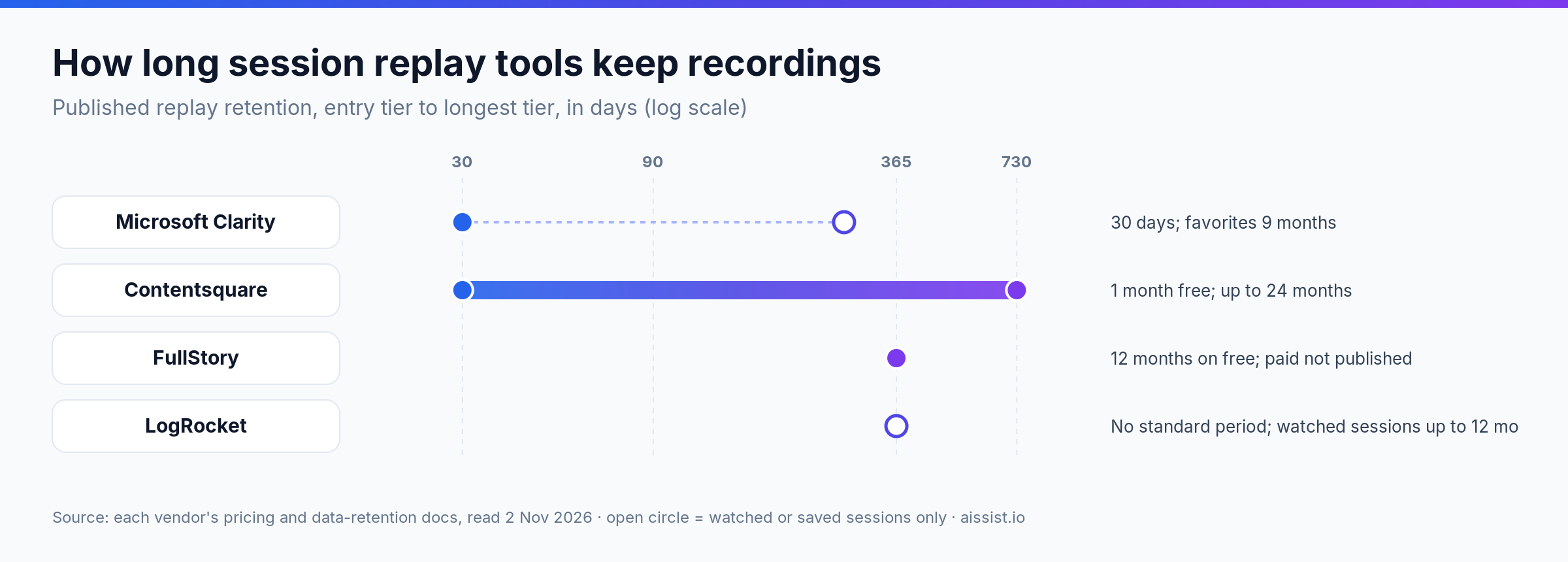
Published retention ranges from Clarity's 30 days to FullStory's 12 months on its free plan, and LogRocket publishes no standard period. Support needs it most: the complaint about last month's checkout arrives next month.
| Tool | Replay retention, published (Nov 2026) | Published price (checked 2 Nov 2026) | G2 (reviews) |
|---|---|---|---|
| LogRocket | Not published; watched sessions up to 12 months on Pro/Enterprise (5% cap) | From $176/mo, annual; no free plan | 4.6 (2,467) |
| FullStory | Free: 12 months; paid: configurable, not published | Free to 30,000 sessions/mo; paid quote only | 4.5 (1,052) |
| Contentsquare (Hotjar) | 1 month free; 2–3 months paid, up to 24 | Free (replays 5% of sessions, max 10k); Growth from $39/mo | 4.6 (747) |
| Microsoft Clarity | 30 days; favorites 9 months | Free, no traffic limits | 4.5 (55) |
1. LogRocket — best for auto-linking replays across many helpdesks
LogRocket is a session replay and product analytics platform that automatically adds a replay link to support tickets in Zendesk, Intercom and four other helpdesks.
LogRocket's Zendesk docs say the link lands as a private note that customers never see, matched by email, on the Core plan and above. On Pro, AI summaries of each user's session post into Zendesk and Intercom too. Price: from $176/month billed annually.
- Pros: the widest helpdesk list of the four; links appear without an agent clicking anything.
- Cons: no free plan, only a 14-day trial; playback-only roles need the Professional plan.
"LogRocket helps us find these issues and help our customers correct them, as well as prevent future occurrences." — Jonathan Wilzig, Director of Product Support, Dutchie, LogRocket customer story
Our take: the default for SaaS support on a mainstream helpdesk. Skip it if you need a free tier.
2. FullStory — best for Zendesk and Help Scout teams starting free
FullStory is a digital experience analytics platform whose Zendesk and Help Scout apps show the requester's most recent sessions beside the ticket.
FullStory's Zendesk app is available on all plans; its free tier covers 30,000 sessions a month with 12 months' retention. FullStory has also made Fullstory for Customer Agents generally available, streaming session context to human and AI agents, starting with Fin, Zendesk, Salesforce and ServiceNow.
- Pros: the most generous free tier with a helpdesk app; Guest users watch shared sessions without a seat.
- Cons: sidebar links need a full seat, so Guests can't use them; Salesforce is a paid add-on.
Our take: the easiest free start. Skip it if you won't buy every agent a seat.
3. Contentsquare (Hotjar) — best for CX teams that want analytics first
Contentsquare is an experience analytics platform, now including Hotjar, that pulls helpdesk conversations into its analytics rather than pushing replays into tickets.
Its Zendesk connector reads tickets and writes nothing back, so the value is in linking contact reasons to journeys, not in answering the next ticket.
- Pros: connects why customers contact you to what they did; Growth from $39/month.
- Cons: no replay inside the ticket; one to three months of retention below the top tiers.
"The biggest win came just two days after beginning to monitor recordings as we were able to identify an elusive bug that had been causing us headaches for over a month and fix it." — Jacob Pitcher, Customer Experience, HeyOrca, Contentsquare customer story
Our take: a diagnosis tool for CX leaders, not agents. Skip it if agents need replays per ticket.
4. Microsoft Clarity — best for zero budget
Microsoft Clarity is a free session replay and heatmap tool with no traffic limits.
Clarity's FAQ says it stays free; recordings are kept 30 days, favorites nine months. Agents share recordings by link, and team links open only for project members.
- Pros: costs nothing; masking on by default.
- Cons: no helpdesk integration; no read-only role, so every agent gets write access.
Our take: fine for a first look; outgrown once agents need replays in tickets.
How to choose a session replay tool for support
- If your agents work in Zendesk or Intercom, choose LogRocket or FullStory, because they are the two of the four that link replays to tickets without custom code.
- If the budget is zero, start with FullStory's free tier before Clarity, because it adds a Zendesk app and 12 months of retention.
- If the question is why customers contact you, not what one customer did, choose Contentsquare, because it reads tickets into journey analytics.
- If complaints arrive weeks late, check retention before features, because a 30-day window deletes the evidence first.
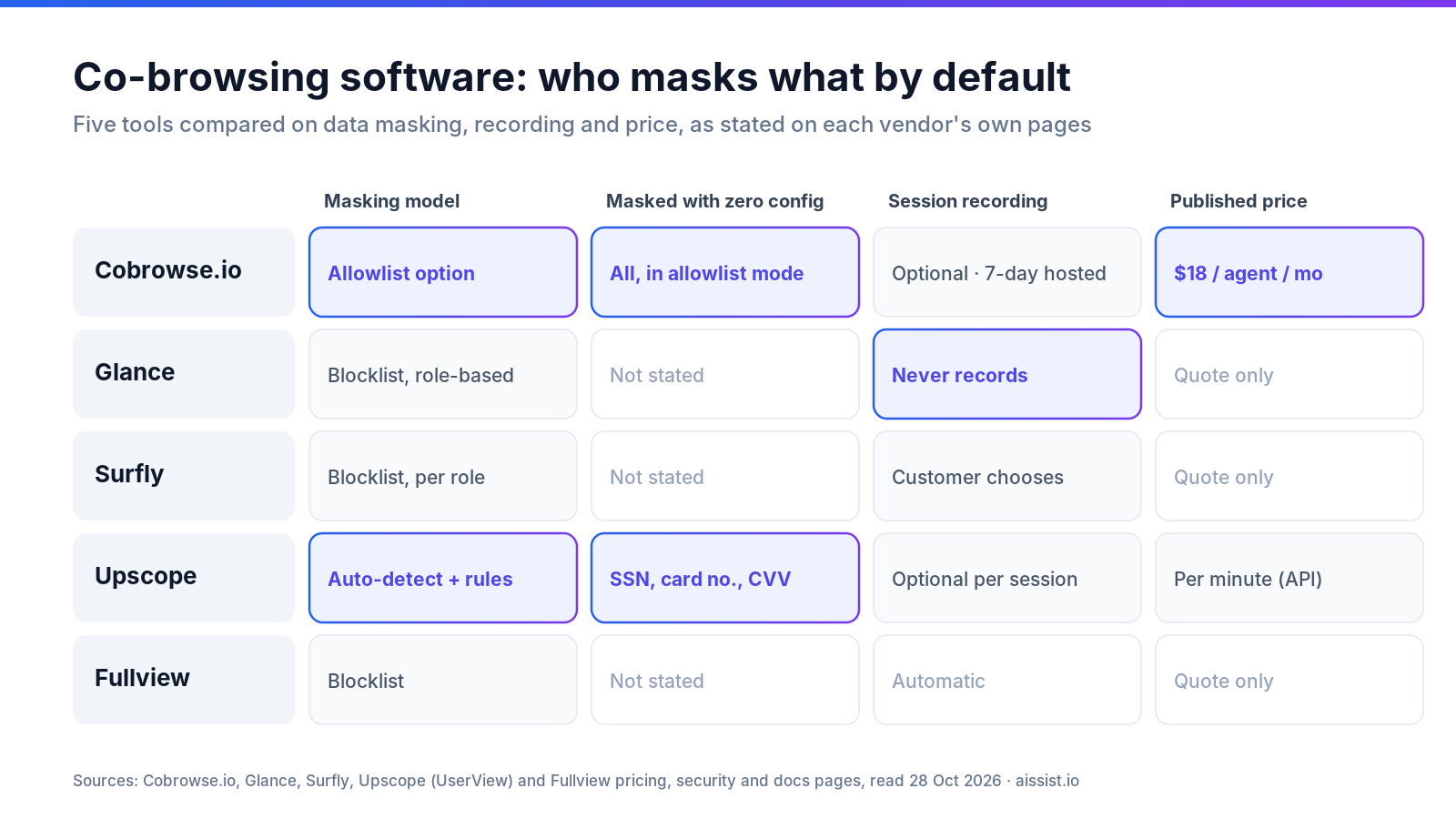
- If the customer is on the page right now, use co-browsing, because replay covers the recorded session and our co-browsing comparison covers the live one.
The replay is only useful if it reaches the agent
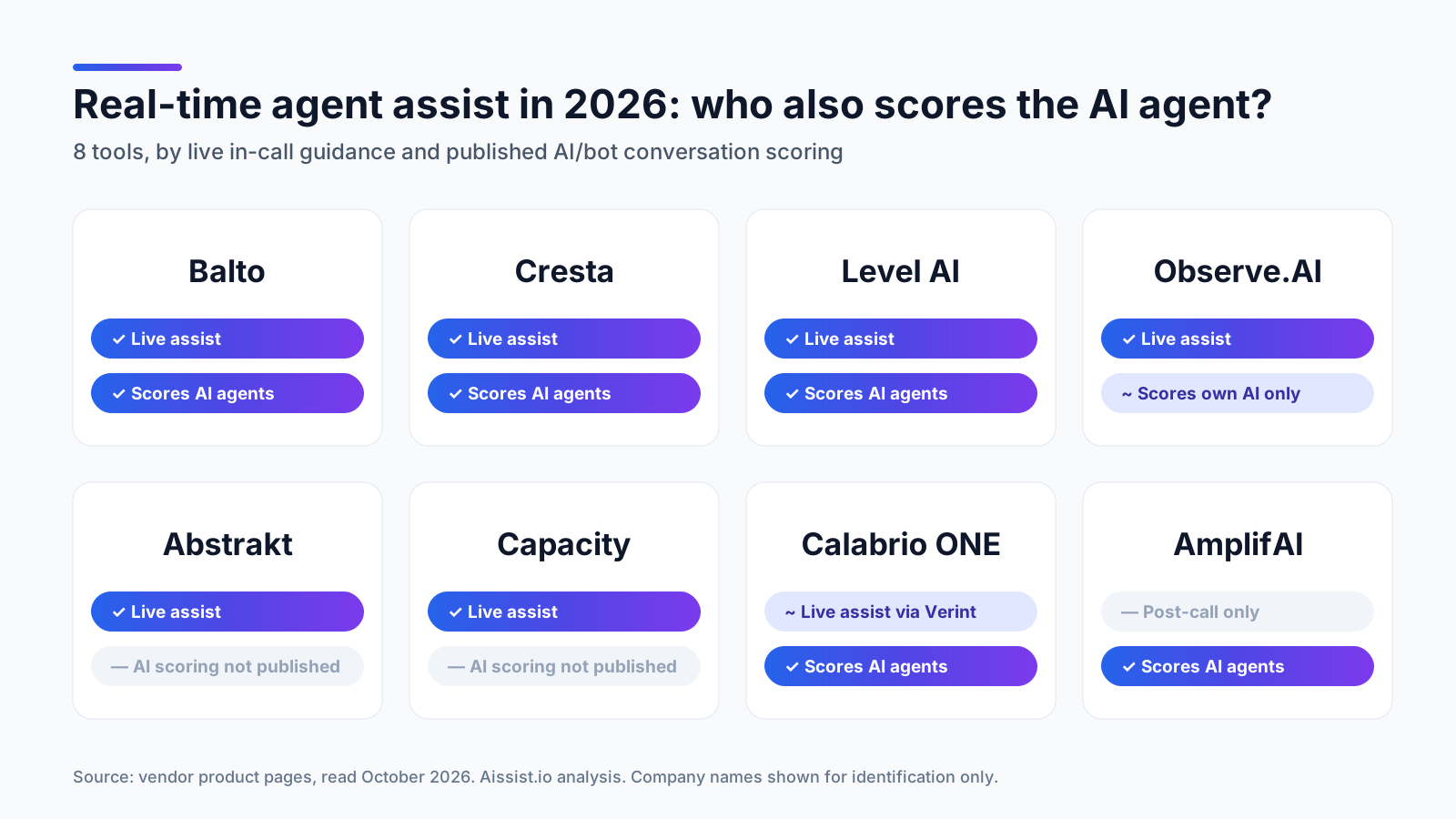
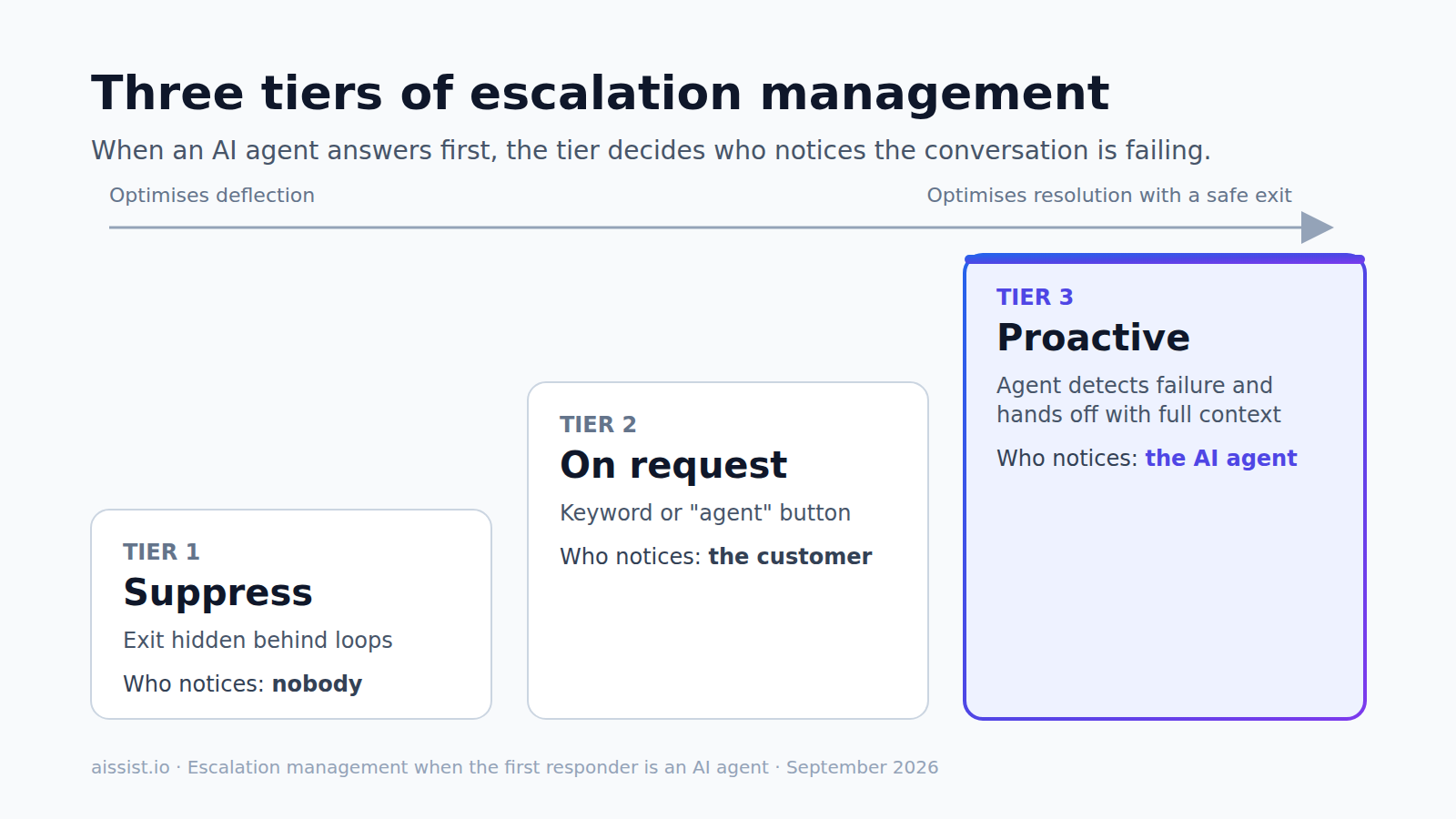
Capture is solved; access is not. Pick the tool whose replay lands in the ticket your agents already open, then check roles and retention. Replay shows what happened; real-time agent assist and escalation management decide what happens next.
Frequently asked questions
Which session replay tools integrate with Zendesk?
LogRocket and FullStory have Zendesk apps that link replays to tickets. Contentsquare's Zendesk connector only reads tickets into its analytics, and Clarity has no Zendesk integration.
Is screen recording for customer support GDPR-compliant?
It can be, when sensitive fields are masked before data leaves the browser and retention is limited. All four tools here mask in the browser at capture; check that defaults cover free text, not just form fields.
Can support agents watch replays without admin access?
Yes in most tools. FullStory offers Guest access to shared links on every plan, LogRocket offers playback-only roles on higher plans, and Clarity has no read-only role.
What is the difference between session replay and co-browsing?
Session replay records a visit to watch later; co-browsing lets an agent see and guide a live session.
How long should session replays be kept for support?
At least as long as your usual gap between an incident and the complaint about it. Clarity keeps 30 days; FullStory's free plan keeps 12 months.
Changelog
- 2 Nov 2026 — Published; Smartlook, Hotjar (standalone) and Sprig excluded per the correction note.