The 9 Best Missive Alternatives and Competitors for 2026
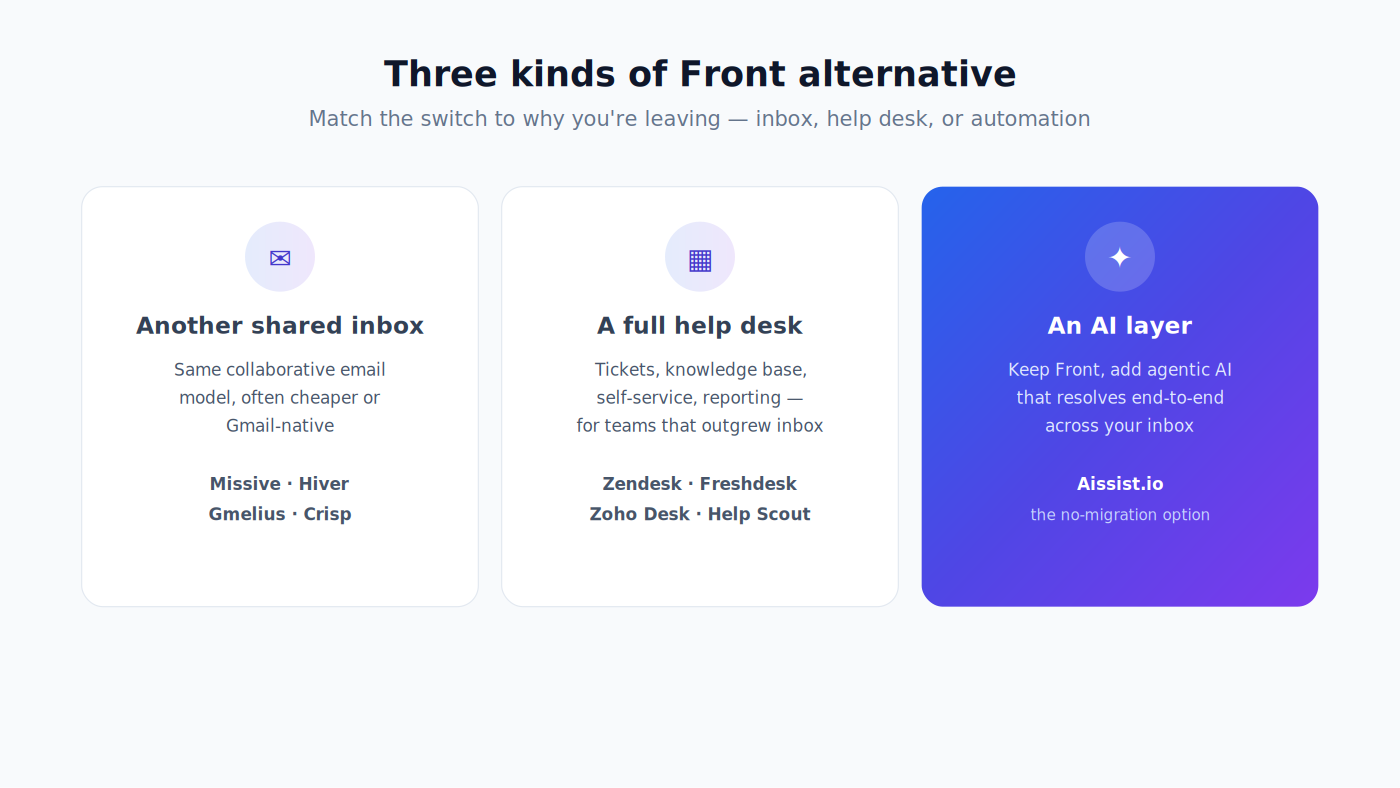
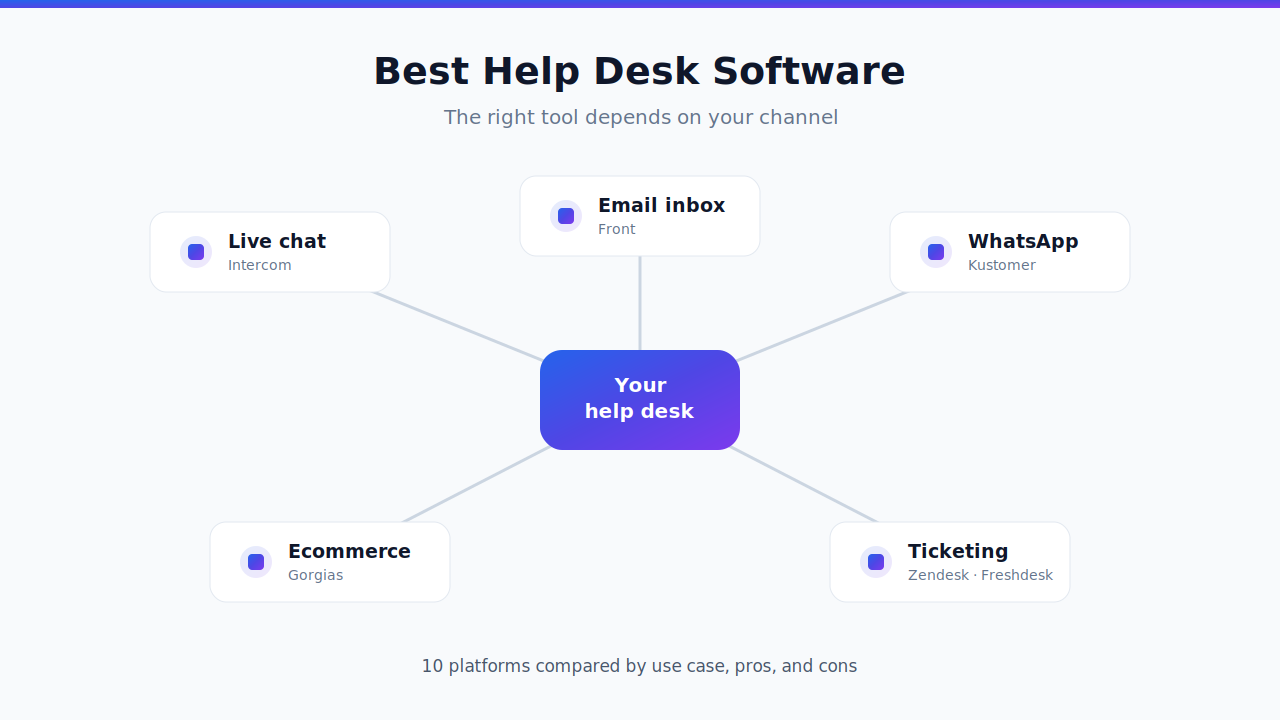
The best Missive alternatives in 2026 are Front, Hiver, Gmelius, Drag, Zendesk, Freshdesk, Loop Email, Spark for Teams, and Google Groups Collaborative Inbox. The right one depends on whether you need a better shared inbox, a real help desk, or something that resolves conversations for you instead of just organizing them. This guide compares all 9 on real G2 ratings, verified pricing, and best-fit use case — and then covers a different path: adding an agentic AI layer on top of the platform you land on, instead of just moving your email somewhere new. For the wider market, see our best help desk software guide.
Missive occupies a specific niche — collaborative email for small teams — and it occupies it well. The question this guide answers is what you should move to when your team stops fitting that niche, whether that means a bigger shared inbox, a real help desk, or a different approach to the volume itself. Below is a neutral, data-backed comparison so you can shortlist quickly.

Why teams look for a Missive alternative
Missive is genuinely well-liked. It holds a 4.7 on G2 across 854 reviews — higher than Zendesk, Freshdesk, or Gmelius — and its core idea is good: internal team chat threaded directly inside the email conversation, so the discussion about a reply lives next to the reply itself. Teams that leave rarely leave because they hate it. They leave because they hit one of four ceilings.
Search comes up repeatedly. G2's largest dislike theme is missing features (123 reviewers), which explicitly names improved search, and search then recurs across several further buckets — weak search functionality (95), search difficulty with older messages (77), poor search functionality (57), inadequate search functionality (48). These themes overlap and a single review can populate several, so don't add them up. The other consistent cluster is onboarding: challenging learning curve (100) and steep initial learning curve (67). On Capterra, reviewers describe search getting "slow when you need to find threads from several months ago." For a tool whose value rests on shared conversation history, that's a load-bearing weakness.
It's a shared inbox, not a help desk. This matters more than it sounds. Missive does have analytics — first reply time, reply time, handle time, volume, and label metrics — and it handles response-time tracking and tiered escalation through its Rules engine. What it lacks is a customer-facing knowledge base, built-in CSAT (reviewers wire up Nicereply or Simplesat via signatures), and managed SLA policies rather than rules you maintain yourself. Missive's own comparison page concedes the knowledge base point and suggests connecting Notion or GitBook instead. If your team is drifting from "we answer email together" toward "we run support," you'll outgrow the model rather than the product.
AI requires the Productive plan. Missive ships real AI — an Assistant that reads conversations and drafts replies, reusable Prompts, and AI Rules that classify and route incoming messages. But none of it exists on Free or Starter; it starts at Productive ($24 per user per month billed yearly). And by design it stays human-in-the-loop: Missive's AI drafts replies and surfaces approval-required cards, but it does not autonomously send or close conversations. That's an honest design choice, but it's a different thing from deflection or resolution.
The free plan is thinner than it looks — and isn't advertised. Three users, 15 days of email and chat history, two shared accounts, no integrations, no rules, no API, no AI. It also doesn't appear on Missive's public pricing page at all; it's documented only in the billing docs. Fine as a trial, not a tier you can run on.
If none of those describe you, staying is a reasonable answer. If one or more do, here's the field.
Compiled by Alex Gomez, Sr. Analyst, read on 24 August 2026. Disclosure: this comparison is published by Aissist.io, which sells an AI layer that runs on top of the help desks and inboxes listed below. Ratings, prices and complaint counts come from G2 and each vendor's own pricing page.
How we evaluated these Missive competitors
Every tool below is assessed on five things: what it genuinely does better than Missive, the verified starting price at list, its G2 rating with review count so you can weight the evidence yourself, the AI capability actually included versus sold separately, and a substantive weakness drawn from aggregated G2 review themes rather than invented for balance.
Ratings are each product's overall G2 score and review count captured in August 2026; prices are each vendor's published entry tier. Both move, so treat them as a shortlist tool and confirm on the vendor's page before you buy. Three naming notes: Front's G2 listing is titled Front App, Hiver's is Hiver in Gmail, and Loop Email's is intheloop.io.
Missive alternatives compared at a glance
| Platform | G2 rating | Starting price | Best fit |
|---|---|---|---|
| Missive (baseline) | 4.7 (854) | $14 / user / mo annual, $18 monthly (Starter, ≤5 users) | The incumbent you're comparing against |
| Front | 4.7 (2,507) | $25 / seat / mo (≤10 seats) | Scaling past a small team, with routing and analytics |
| Hiver | 4.6 (1,283) | $25 / user / mo (2-seat minimum) | Google Workspace teams who want to stay in Gmail |
| Gmelius | 4.4 (776) | $19 / user / mo (Meli, ≤5 users) | Gmail-native shared inbox with kanban boards |
| Drag | 4.5 (261) | $12 / user / mo | The cheapest credible Gmail-native option |
| Zendesk | 4.3 (7,044) | $19 / agent / mo | Graduating from inbox to full ticketing at scale |
| Freshdesk | 4.4 (3,766) | $19 / agent / mo | Full ticketing at the best price-to-feature ratio |
| Loop Email | 4.9 (19) | From €15 / user / mo (3-user min) | Internal, non-support teams wanting chat + email |
| Spark for Teams | 4.4 (22) | $10 / user / mo | Best cross-platform email client experience |
| Google Groups Collaborative Inbox | Not on G2 | Free with Google Workspace | Low-volume alias triage at zero cost |
All prices are per user or agent per month. Missive, Front, Hiver, Gmelius, Drag, Zendesk and Freshdesk figures are billed annually — Missive's Starter is $14 on the annual plan and $18 billed monthly; Spark's $10 and Loop's €15 are billed monthly.
The 9 best Missive alternatives and competitors
1. Front — best for teams outgrowing Missive
Front is the most direct like-for-like alternative and the natural destination when a shared inbox stops scaling. Same email-first model, but with far deeper routing rules, workflow automation, and analytics — and it holds the same 4.7 rating as Missive across roughly three times the reviews (2,507 to 854). Best for: client-facing teams past roughly 10 people who need real routing and reporting. Pricing: Starter $25/seat/mo billed annually for up to 10 seats, Professional $65 up to 50, Enterprise $105 unlimited. Pros: the deepest workflow engine in the email-first group, strong analytics, polished product. Cons: the complaint themes are uncomfortably familiar — missing features including improved search and folder organization (67 reviewers), email tagging issues (58), and confusing email search and management (54). If search is why you're leaving Missive, test Front's search specifically before committing. Our Front competitors guide covers the wider field.
2. Hiver — best for teams that want to stay in Gmail
Hiver's pitch is that there is nothing to learn: shared inboxes, assignment, notes, SLAs and analytics all appear inside native Gmail. For a Google Workspace team, that removes the single biggest adoption risk. Best for: Google Workspace teams who want help-desk workflow without leaving the client they already use. If you are weighing Gmail-native tools against full platforms, our best help desk software guide frames that trade. Pricing: Growth $25/user/mo billed annually ($35 monthly), two-seat minimum, seats scaling 2 → 5 → increments of 5. Voice is a $30/seat/mo add-on including 1,000 minutes per voice seat, then $0.03 a minute. Pros: genuinely zero retraining, real SLAs and reporting, strong Gmail fidelity. Cons: performance is the theme — email issues covering glitches, loading times and data retrieval (72 reviewers), missing features (47), limited features (34), slow loading (32), and notification issues (22). G2: 4.6 (1,283).
3. Gmelius — best Gmail-native shared inbox with kanban
Gmelius layers shared inboxes, Trello-style kanban boards, and email sequences onto Gmail. The distinguishing feature is pricing shape: tiers are capped by conversation volume rather than purely by seat, which suits teams with more people than message volume. Best for: Gmail teams that manage email as a pipeline rather than a queue. Pricing: Meli $19/user/mo annually ($21 monthly) for up to 5 users and 5,000 conversations; Growth $25 annually ($33 monthly) for 10,000; Pro $40 annually ($50 monthly) for 100,000. Pros: kanban view is genuinely useful for pipeline work, sequences included, Gmail-native. Cons: performance again — email management issues covering slow load times and ineffective search (8 reviewers), missing mobile app features (8), performance issues (6), slow email loading (5). G2: 4.4 (776).
4. Drag — best budget Gmail-native option
Drag is the cheapest credible alternative on this list at $12 per user per month, and unlike most competitors it caps nothing by seat count on any tier. Shared inboxes and kanban boards inside Gmail, without the price step-up. Best for: small teams who want shared-inbox basics and are price-sensitive. Pricing: Starter $12/user/mo annually ($16 monthly), Plus $18 ($22), Pro $24 ($30). No free tier, but a 7-day trial with no card required. Pros: lowest entry price here, no seat caps, straightforward. Cons: at 261 G2 reviews the evidence base is thin, and the themes that do appear are small — more customization options wanted (5 reviewers), performance issues (5), learning curve (4), difficult setup (2). Rated 4.5, but weight that against the sample size.
5. Zendesk — best when you've outgrown the inbox model entirely
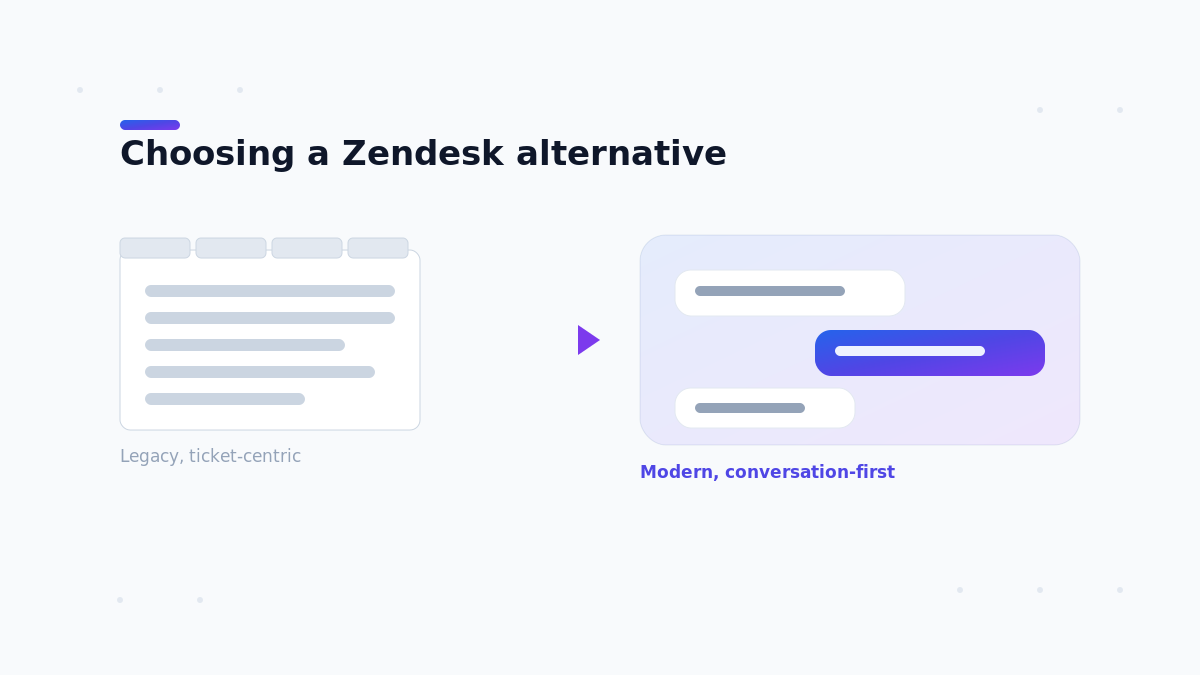
At some point the answer isn't a better shared inbox, it's a ticketing system. Zendesk brings SLAs, routing, a help center, AI agents and reporting depth that no email-first tool matches. Best for: support organizations that have stopped thinking in threads and started thinking in tickets. Pricing: Support Team $19/agent/mo billed annually; Suite Team $55, Suite Professional $115, Suite Enterprise by quote. Pros: unmatched ecosystem, proven at scale, deep reporting. Cons: the complaint volume is significant — missing features (216 reviewers), limited features (180), steep learning curve (179), limited customization (158), complexity for beginners (137), expensive pricing (136), poor customer support (128). Moving from Missive to Zendesk is a genuine step up in administrative overhead. See our Zendesk competitors guide, or adding AI to Zendesk without replacing your stack.
6. Freshdesk — best price-to-feature ratio in full ticketing
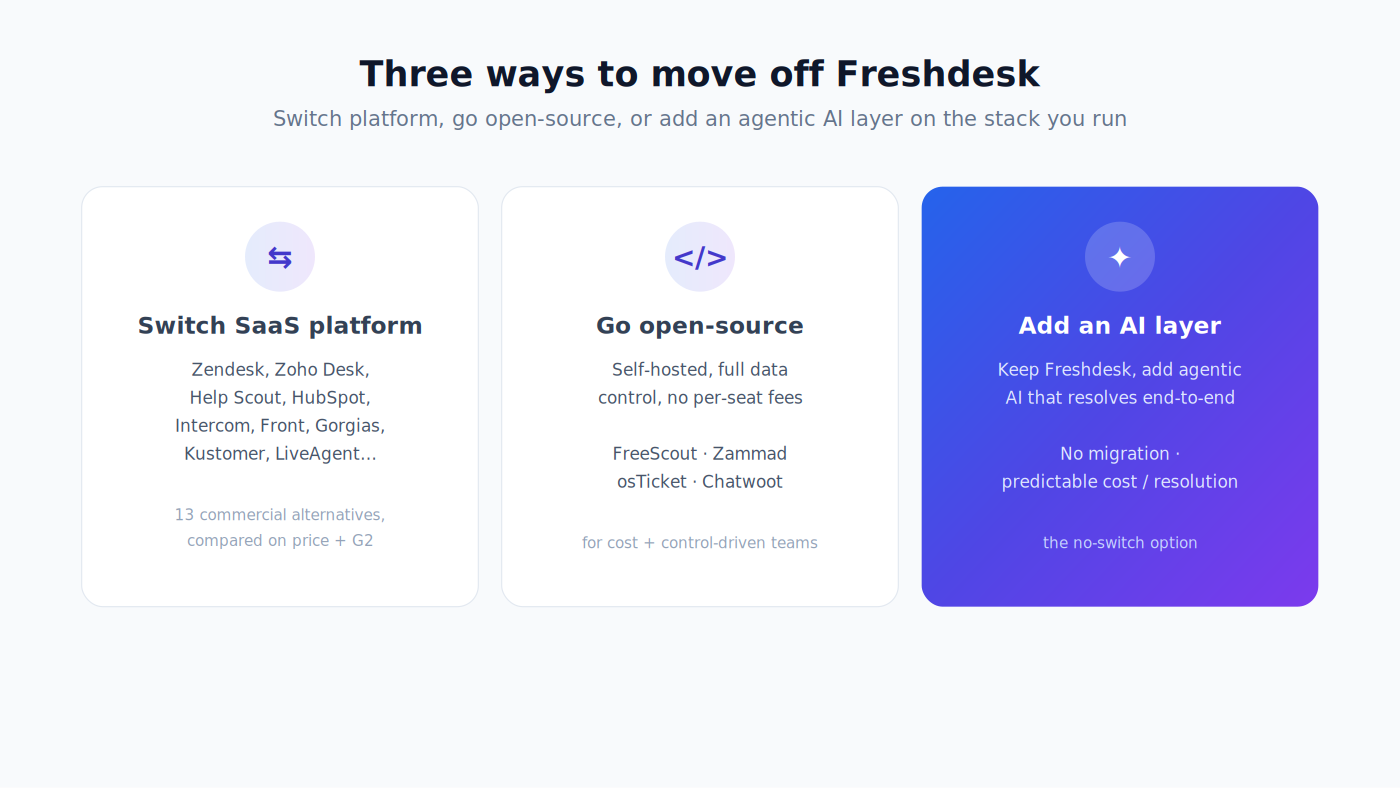
If Zendesk is the right category but the wrong price, Freshdesk is the answer. The $19 tier already includes a knowledge base, customer portal, dispatch rules and out-of-the-box reporting. Best for: teams that want real ticketing without Zendesk's cost curve or setup burden. Pricing: Growth $19/agent/mo billed annually, Pro $55, Enterprise $89. Freddy AI Copilot is $29/agent/mo on Pro and Enterprise. Note the free option is a time-limited program — up to 2 agents for 6 months, email-first Freshdesk only, with no AI sessions — not a permanent free tier. Pros: a lot of help desk for the money, gentle onboarding. For the wider Freshdesk field, see our Freshdesk competitors guide. Cons: limited live chat features (69 reviewers), restricted feature set versus competitors (62), limited customization (58), cumbersome ticket management (55), slow loading (54). G2: 4.4 (3,766). See our Freshdesk competitors guide.
7. Loop Email — best for internal, non-support teams
Loop takes the chat-plus-email hybrid idea further than Missive does, feeling closer to Slack with inboxes attached. It suits internal coordination more than customer support. Best for: operations and internal teams that live between chat and email. Pricing: from €15/user/mo with a three-user minimum — note that Loop's pricing page renders annual and monthly figures ambiguously, so check the live toggle before budgeting. Pros: a genuinely different interaction model, strong for internal collaboration. Cons: with only 19 G2 reviews there are no aggregated themes to cite, which is itself the main caveat — individual reviews mention iOS notifications that aren't actionable, search missing older messages, and no calendar functionality. The 4.9 rating is real but rests on a very small base.
8. Spark for Teams — best cross-platform email client
Spark, from Readdle, is the best pure email client in this comparison — genuinely good apps on iOS, Android, Mac and Windows, with built-in AI — and adds team features like shared drafts and comments on top. Best for: mobile-heavy teams who care more about daily email experience than support workflow. Pricing: Plus $10/user/mo billed monthly, or $120/user/year; Pro $20/mo or $240/year. A free personal tier exists. (Readdle's page also advertises an $8.25/month annual rate alongside the $120 figure — the two don't reconcile, so check at signup.) Pros: best-in-class client UX and cross-platform parity, AI included. Cons: the G2 listing has just 22 reviews, and the themes that appear are stability-related — syncing delays and crashes (3 reviewers), missing features (3), frequent bugs (3), infrequent updates (2). Treat as directional. G2: 4.4 (22).
9. Google Groups Collaborative Inbox — best free option
If you're on Google Workspace and your volume is low, you may not need a paid product. A Collaborative Inbox lets group members take a conversation, assign it, and mark it complete or duplicate, then filter by assignee or resolution status. Best for: low-volume alias triage where budget is the binding constraint. Pricing: free, included with Google Workspace once an admin enables Groups for Business. Pros: genuinely free, no new tool to adopt. Cons: it's triage, not collaboration — no internal notes, no analytics, no SLAs, no canned replies, no assignment notifications. Hard limits apply too: 25 MB message size, 300 inbound messages per five minutes per group, and forwarding or Cc capped at 25 addresses per message. Google's own documentation points larger teams toward delegated Gmail accounts instead. Not listed on G2.
A different path: add an AI layer instead of switching inboxes

Every option above asks you to migrate — move your conversations, retrain your team, rebuild your rules, and learn a new interface. For some teams that's the right call, particularly the jump from shared inbox to real ticketing.
But look again at why people leave Missive. Search that struggles with volume. No knowledge base to deflect repeat questions. AI that assists a human rather than resolving anything. Those are all symptoms of the same underlying issue: volume your team has to touch personally. Switching to a different inbox gives you a nicer place to touch it. It doesn't reduce how much there is.
Aissist.io is an AI Operational Layer that sits on top of the help desk you already run — Intercom, Zendesk, Freshdesk, Kustomer, Front, Gorgias, Salesforce and HubSpot — and resolves support and sales conversations end-to-end. Instead of a migration, its AgentMesh™ multi-agent workforce plugs into your existing stack, Pulse™ reads every conversation and agent in real time, and Evolve™ keeps improving the operation. It's an agentic system built on multi-agent reasoning with governance and human escalation, not a legacy FAQ chatbot that deflects and breaks on complexity.
The honest caveat: Missive is not currently a supported native integration, so this is a path for teams already on — or moving to — one of the platforms above. Check the integrations page for current status before you plan around it. Best for: teams whose real problem is conversation volume rather than inbox ergonomics. Pricing: usage-based — $0.09 per AI interaction, capped at $0.20–$0.60 per resolution, depending on channel. A free program covers 1,000 tickets a month, though it runs the basic engine suited to FAQs and simple procedures rather than the full agentic one. Pros: keep your current platform, deploys in about 10 minutes, and resolves rather than deflects; Aissist reports 83% average resolution and 4.8/5 CSAT across its projects through March 2026 — vendor-reported figures, unlike the G2 ratings above. Cons: it's an automation layer, not a shared inbox — you keep a help desk underneath it, so it complements a platform decision rather than replacing one, and Missive users would need to migrate first for it to apply at all.
How to choose the right Missive alternative
Start with what actually broke, because it points at different answers.
Leaving over search and scale? Front — but test its search first, since its reviewers raise the same theme. Over wanting to stay in Gmail? Hiver for workflow depth, Gmelius for kanban, Drag for price. Over needing a knowledge base? Freshdesk, which includes one at its $19 tier. Over needing real ticketing, SLAs and CSAT? Zendesk or Freshdesk — and accept that you're changing category, not just vendor. Over budget? Drag at $12, or Google Groups at zero if your volume is genuinely low. Over conversation volume your team can't keep up with? None of the above solves that on its own; an AI layer on top of a real help desk does.
Then compare like tiers, not sticker prices. Missive at $14 annually ($18 monthly) and Front at $25 aren't comparable if the features you need sit at Missive's $24 Productive tier. Add AI pricing explicitly — Freshdesk Copilot at $29 per agent, Missive's own AI credits at provider cost plus 25% unless you bring your own key — and only then look at the headline number.
Key takeaways
There is no single best Missive alternative — there's a best one for what pushed you to look. For scaling the same model, Front. For staying in Gmail, Hiver, Gmelius or Drag depending on whether you value workflow, pipeline view or price. For a knowledge base or real ticketing, Freshdesk or Zendesk. For zero budget, Google Groups. And remember the option none of them represent: if the problem is the sheer volume of conversations your team has to handle personally, an agentic AI layer resolves that on the platform you land on, rather than moving it somewhere prettier. Shortlist two or three, pilot them on real conversations, and decide on resolution and true cost — not the entry price.
Keep your inbox, upgrade the resolution. Aissist.io adds an agentic AI layer to the major help desk platforms — resolving support and sales end-to-end, no migration required. Book a consultation →
Frequently asked questions
What are the best Missive alternatives?
The best Missive alternatives are Front, Hiver, Gmelius, Drag, Zendesk, Freshdesk, Loop Email, Spark for Teams, and Google Groups Collaborative Inbox. Front is the closest like-for-like upgrade, Hiver and Gmelius keep you inside Gmail, and Drag is the cheapest at $12 per user per month.
Why do teams switch away from Missive?
Four reasons dominate. Search recurs across several of Missive's largest G2 complaint themes, including difficulty finding older messages. It's a shared inbox rather than a help desk, with no knowledge base, no built-in CSAT and no managed SLA policies. AI features require the Productive plan at $24 per user per month. And the free plan covers only 3 users with 15 days of history.
What is the best free Missive alternative?
Google Groups Collaborative Inbox is free with Google Workspace, though it offers only basic triage — assign, mark complete, filter — with no internal notes, analytics or SLAs. Missive's own free plan allows 3 users and 15 days of history.
Front vs Missive — which is better?
Both hold a 4.7 G2 rating, but Front has 2,507 reviews to Missive's 854. Missive is better at real-time collaboration, with team chat threaded inside the email itself. Front is better at scale, with deeper routing rules, workflow automation and analytics. Front starts at $25 per seat per month against Missive's $14 on an annual plan, or $18 billed monthly. Choose Missive for collaboration, Front for volume and process.
How much does Missive cost?
Missive has four tiers. Free covers 3 users with 15 days of history. Starter is $14 per user per month billed yearly ($18 monthly) for up to 5 users. Productive is $24 yearly ($30 monthly) for up to 50 users and is the first tier with AI, integrations, rules and API access. Business is $36 yearly ($45 monthly) for unlimited users, plus SAML SSO.
Does Missive have AI?
Yes, on the Productive and Business plans only. Missive ships an AI Assistant that reads conversations and drafts replies, reusable Prompts, AI Rules for auto-classification and routing, and MCP integrations. AI is billed either through Missive credits at provider pricing plus a 25% markup, or by bringing your own OpenAI, Anthropic or Google key at provider cost.
Is Missive a help desk or a shared inbox?
Missive is a shared inbox with analytics, not a full help desk. It reports first reply time, reply time, handle time and volume, and handles response-time tracking and escalation through Rules. What it lacks is a customer-facing knowledge base, built-in CSAT, and managed SLA policies. Missive's own comparison page acknowledges the knowledge base gap and suggests connecting Notion or GitBook. For those features, Freshdesk or Zendesk are better fits.
What is the best shared inbox software for small teams?
For teams under 10, Missive and Drag are the strongest value picks at $14 and $12 per user per month on annual plans — Missive is $18 if you pay monthly. Hiver and Gmelius are better if you want to stay inside Gmail. Front becomes the better choice once you need routing rules and analytics rather than just shared visibility.
Can I keep my shared inbox and just add AI to it?
Partly. AI layers like Aissist.io sit on top of major help desk platforms — Intercom, Zendesk, Freshdesk, Kustomer, Front, Gorgias, Salesforce and HubSpot — and resolve conversations end-to-end without a migration. Missive is not currently a supported native integration, so this works best for teams already on or moving to one of those platforms rather than as a way to keep Missive itself.
Which Missive alternative is best for Gmail users?
Hiver is the most complete, adding shared inboxes, SLAs and analytics inside native Gmail at $25 per user per month with a two-seat minimum. Gmelius adds kanban boards and sequences from $19. Drag is the cheapest at $12 with no seat caps. All three avoid the biggest adoption risk for Google Workspace teams: asking people to leave the client they already use.